Build guide
Build your own Momo
A four legged robot that walks, talks, and reacts to you. Runs on a Raspberry Pi Zero W.
- Build time
- 1-3 weeks:: total build time to be supplied by Eben
- Cost
- $200+ in parts, filament and printing not included
- Difficulty
- Intermediate
- Skills needed
- Soldering, 3D printing, basic Linux command line
What you are building
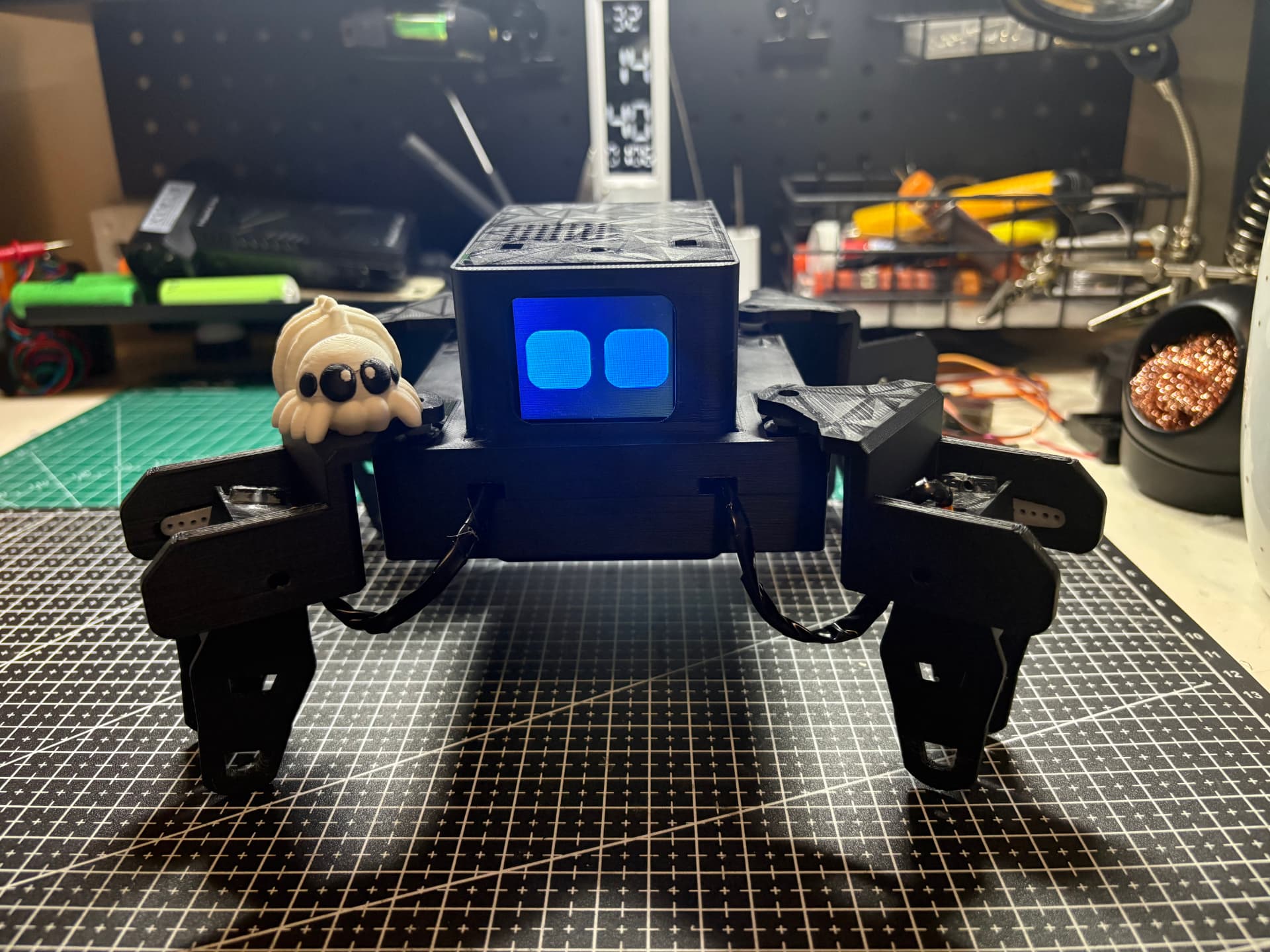
Momo is a four legged robot with eight servos, an animated face on a small screen, and a microphone and speaker so you can talk to it. It listens to you, sends what you said to Google's Gemini AI, and replies out loud with its own personality. It also walks, turns, sits, waves, dances, and holds poses.
Everything runs on a Raspberry Pi Zero W. There is a web control panel you can open on your phone to drive it around manually, edit its personality, and calibrate the servos.
All the code is open source on GitHub and all the CAD is public on Onshape.
The guide is split in two. Part one is the physical robot: parts, printing, tools, and putting it together. Part two is everything on the software side. Work through each part from the top down.
Part one
Physical build
Everything you buy, print, solder, and screw together before any code touches the Pi.
Part two
Software
Flashing the SD card, installing everything, and getting Momo to listen, think, and talk.
Links
Building your own?
Stuck on a step, a part, or a gait that will not settle? Get in touch.
Contact Eben